Best AI Meeting Note Tools for Small Teams: Features, Pricing, and Workflow Fit
Tired of manual note-taking? We review the top AI meeting assistants for small teams, analyzing transcription accuracy, integration capabilities, and pricing to help you reclaim your productivity.
Best AI Meeting Note Tools for Small Teams: Features, Pricing, and Workflow Fit
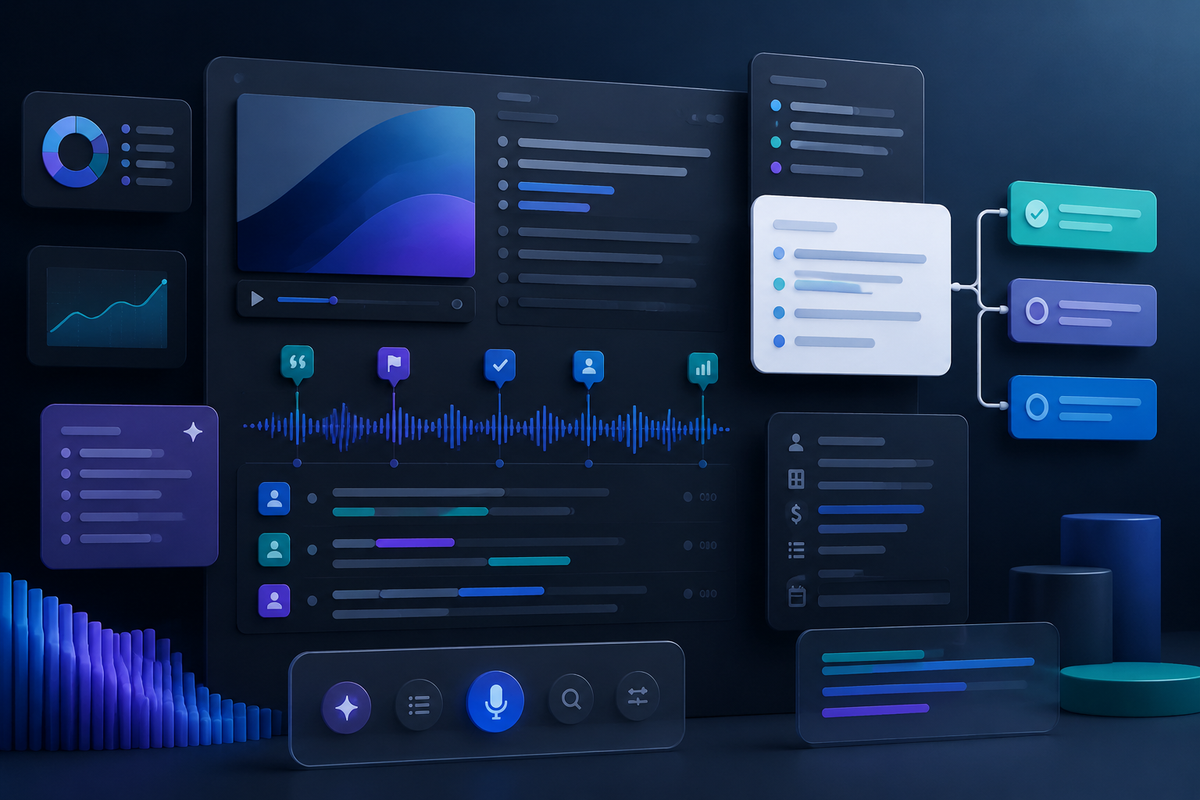
For small teams, every minute spent in a meeting is a minute taken away from execution. In 2026, manual note-taking isn't just a chore—it's a massive productivity leak. AI meeting note tools have evolved from simple transcription services into sophisticated "meeting intelligence" hubs that can summarize decisions, assign action items, and even analyze sentiment.
But with dozens of options on the market, which one actually fits a lean team's workflow? In this guide, we dive deep into the best AI meeting note tools for small teams, comparing features, pricing, and the "vibe" of their integration.
Why Small Teams Need AI Meeting Assistants
Small teams often lack dedicated project managers or administrative assistants. When everyone is an individual contributor, having one person distracted by taking notes means 25% to 50% of your "brainpower" is offline during the meeting. AI tools solve this by:
- Ensuring Accuracy: Capturing every word so nothing gets lost in translation.
- Centralizing Knowledge: Creating a searchable database of every conversation.
- Automating Follow-ups: Generating summaries and action items instantly for Slack or Email.
1. Fireflies.ai: The Automation Powerhouse
Fireflies.ai remains one of the most robust platforms for teams that want to automate their entire post-meeting workflow. It doesn't just record; it integrates deeply with your tech stack.
Key Features
- Fred the Assistant: A bot that joins your meetings across Zoom, Google Meet, and Microsoft Teams.
- AskFred: A ChatGPT-like interface that lets you ask questions about your meeting (e.g., "What was the budget we agreed on?").
- Topic Tracking: Automatically flags keywords related to pricing, competitors, or objections.
Pros and Cons
Pros: Excellent search functionality; massive integration library (Slack, HubSpot, Salesforce); high-quality AI summaries.
Cons: The UI can feel cluttered for simple users; the free tier is limited in transcription minutes.
Pricing
- Free: Limited transcription, 800 mins of storage.
- Pro: $10/user/mo (billed annually).
- Business: $19/user/mo (billed annually).
Official Link: Fireflies.ai
2. Fathom: The Best Value for Small Teams
Fathom has disrupted the market by offering a incredibly generous free tier that is often "enough" for many small startups and freelancers.
Key Features
- Instant Access: Notes are ready the second you hit "End Meeting."
- Auto-Sync: Automatically pushes highlighted clips and notes to your CRM.
- Privacy-First: Recordings are only shared with participants unless you choose otherwise.
Pros and Cons
Pros: Unlimited recording/transcription for free (for individuals); very easy to use; no "bot" visible in the meeting (it records via the app).
Cons: The team-specific collaborative features are locked behind a paid wall; limited language support compared to competitors.
Pricing
- Individual: Free (Unlimited).
- Team Edition: Starts around $15/user/mo for collaborative features and SOC2 compliance.
Official Link: Fathom.video
3. Otter.ai: The Transcription Veteran
Otter.ai is the household name in transcription. While others focus on "AI actions," Otter focuses on the raw quality of the text and real-time collaboration.
Key Features
- Live Transcript: See words appearing in real-time on your screen.
- Otter AI Chat: Multi-meeting intelligence—ask questions across your entire meeting history.
- Automated Slide Capture: Automatically grabs slides shared during the meeting and inserts them into the notes.
Pros and Cons
Pros: Industry-leading accuracy; excellent mobile app; great for live event captioning.
Cons: Can be aggressive with bot-joining (sometimes joins when not wanted); higher pricing for small teams.
Pricing
- Basic: Free (300 mins/mo).
- Pro: $10/user/mo.
- Business: $20/user/mo.
Official Link: Otter.ai
4. Fellow: For Teams Who Care About Management
If your "meetings" are primarily 1-on-1s and tactical standups, Fellow is the best choice. It blends AI notes with meeting agenda management.
Key Features
- AI Copilot: Records and summarizes, but places the summary directly into your collaborative agenda.
- Action Item Sync: Syncs meeting tasks to Jira, Asana, or Monday.com.
- Feedback Loops: Built-in tools for post-meeting ratings and feedback.
Pros and Cons
Pros: Encourages better meeting habits; great for managers; seamless task management.
Cons: Less focused on deep search across all audio; can feel like "another tool" to manage.
Pricing
- Free: For teams up to 10.
- Pro: $7/user/mo.
- Business: $10/user/mo.
Official Link: Fellow.app
Comparison Table
| Tool | Best For | Free Tier | Starting Price |
|---|---|---|---|
| Fireflies.ai | Workflow Automation | Limited Mins | $10/mo |
| Fathom | Budget/Simplicity | Unlimited (Indiv) | $15/mo (Team) |
| Otter.ai | Real-time Accuracy | 300 mins/mo | $10/mo |
| Fellow | Management/Agendas | Up to 10 users | $7/mo |
Final Verdict: Which One Should You Choose?
The Winner for Most Teams: Fireflies.ai. Its ability to search across your entire history and automate task creation makes it the most "impactful" tool in the stack. However, if you are a solo founder or have zero budget, Fathom is an unbeatable value.
Regardless of your choice, ensure you have an editorial disclosure in place: Hituho may earn commissions if affiliate links are added later. Current recommendations should remain based on workflow fit, pricing clarity, limitations, and practical buyer value. See the affiliate disclosure.